

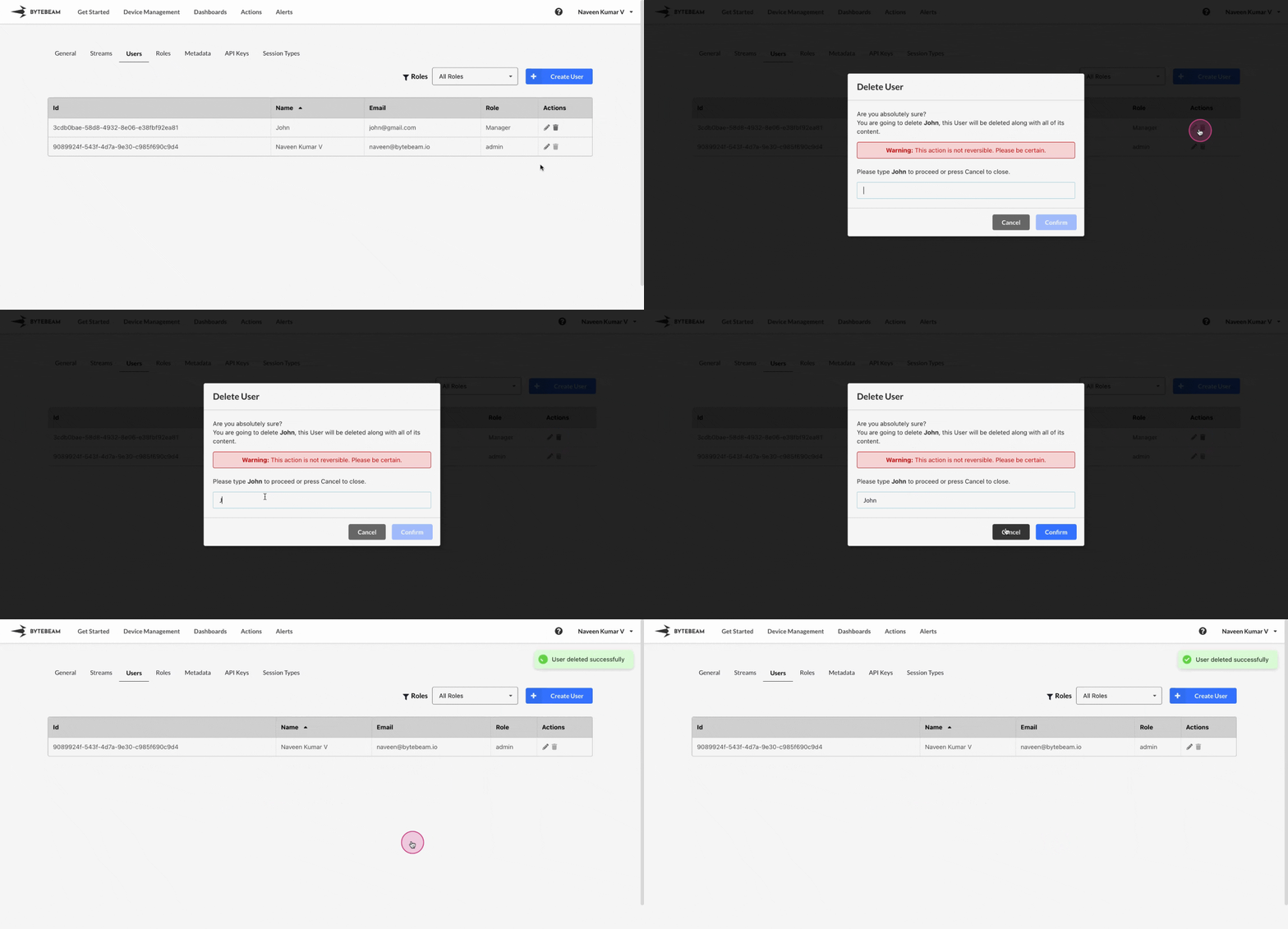
 To delete a User in Bytebeam console,
1
Access Settings Tab
Navigate to the Settings tab by clicking on your username at the top right
2
Locate the Target User
Go to Roles tab and scroll to the User which needs to be deleted
3
Initiate the User Deletion
Click on the Trash 🗑 icon against the user you would like to delete
4
Confirm the selection
Type user name in the field, and Click on Confirm to delete it.
As this action is irreversible, please be certain that you have chosen the right User to delete.