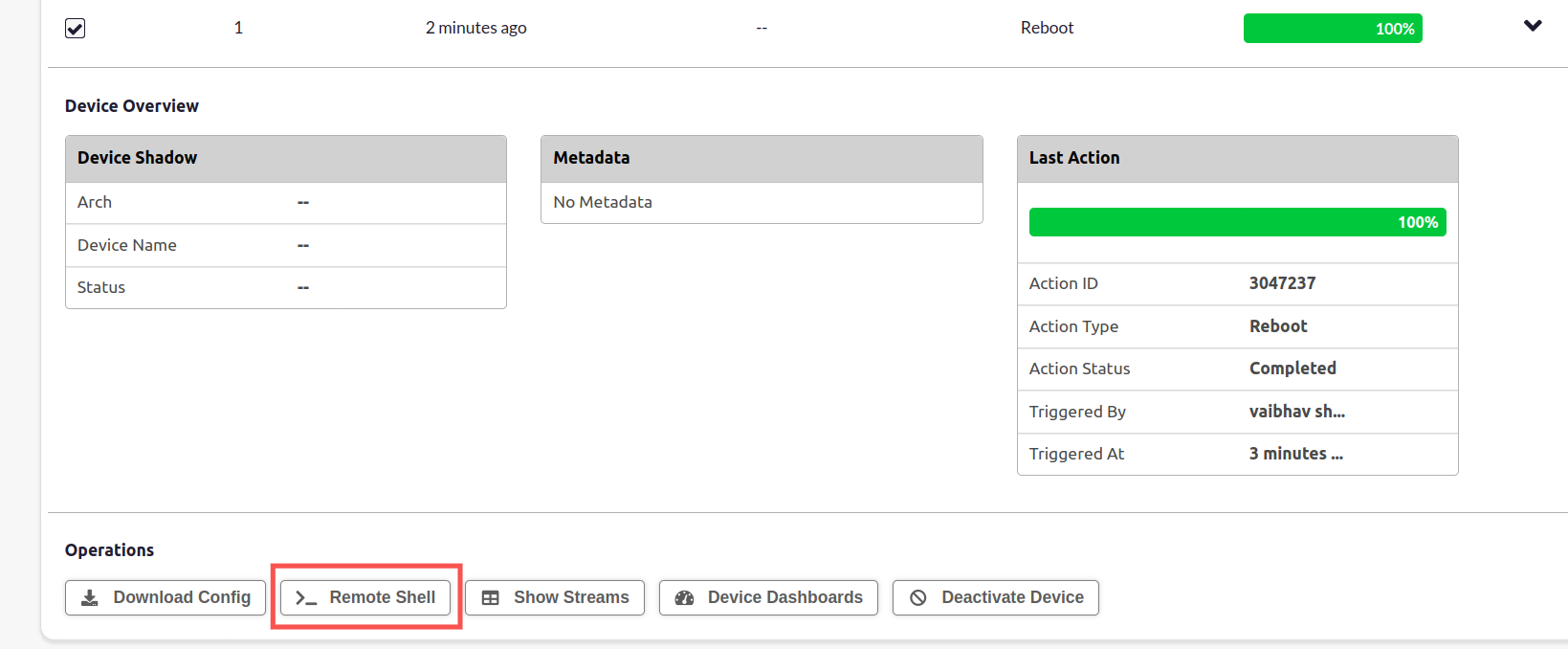
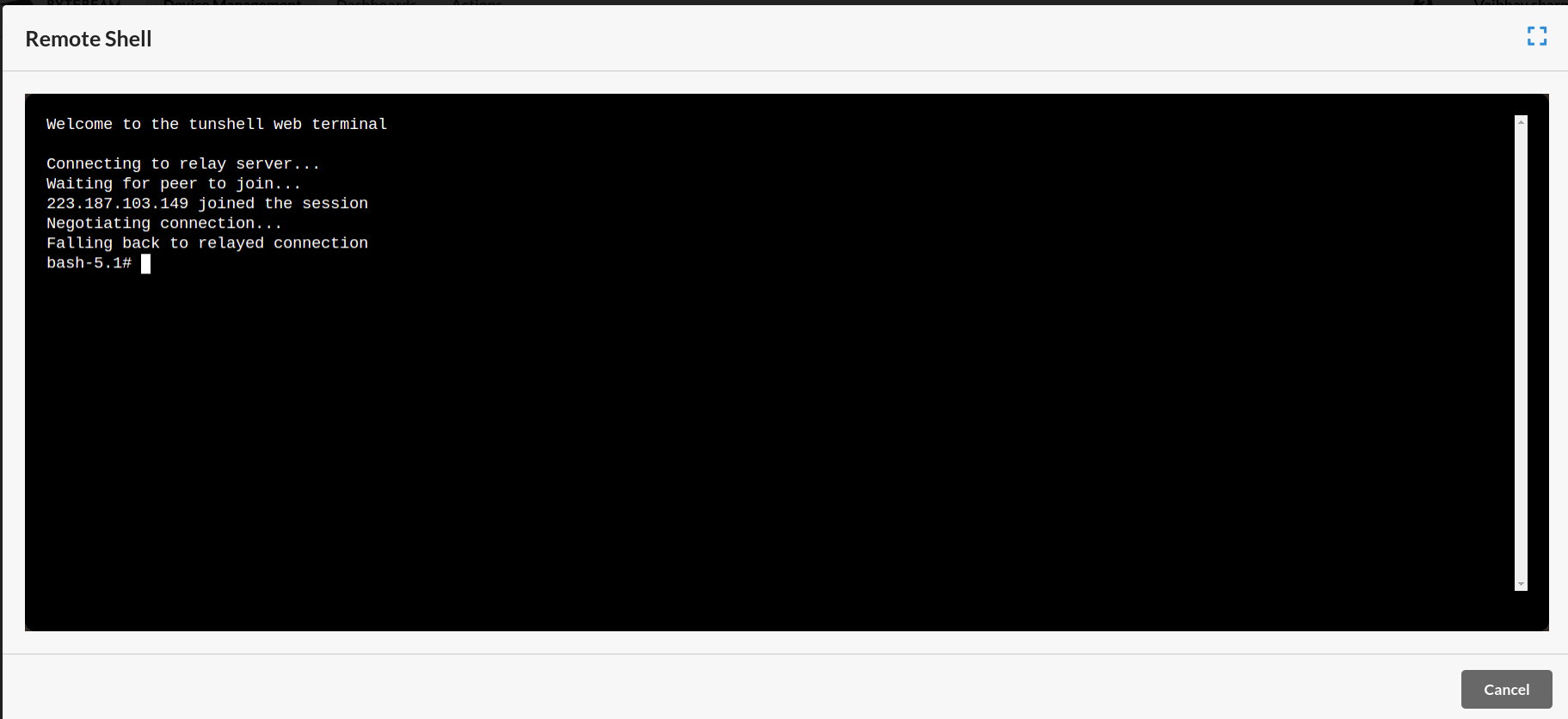
Learn how to access the Linux device shell via Bytebeam cloud using tunshell tool. Follow our guide to easily navigate to the Bytebeam cloud, select your preferred device, and effortlessly access the remote shell option under the Operations section.
From the Bytebeam cloud, it is possible to access the shell on the Linux device. This is implemented using the amazing tunshell project.To shell into your device, go to the Bytebeam cloud, select the device, and under the “Operations” section click on the “RemoteShell” Button.You should now be able to see the shell environment on the cloud.